Checklist ports serveur Dragonhold
Vérifiez réseau avant inviter amis — ports communauté, firewall, tests WAN.
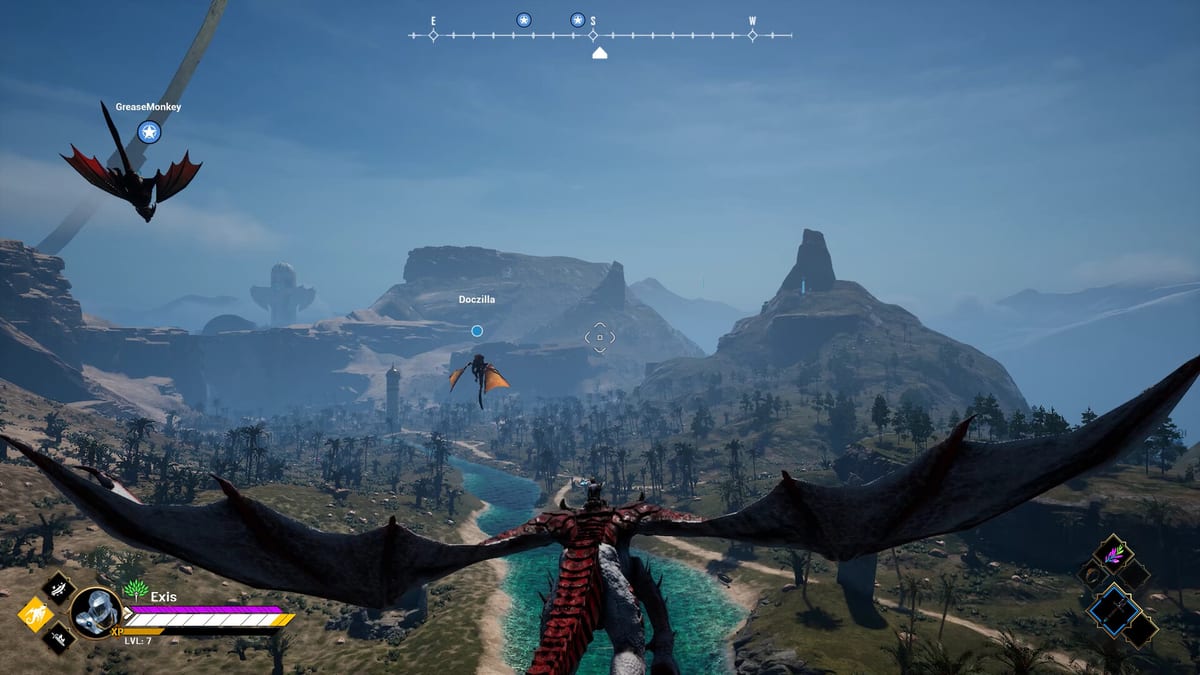
Hôtes utilisent checklist outil-style quand amis cannot join serveur dédié Dragonhold ou session listen. Exis Games shippe fichiers serveur dédié Steam, Early Access networking expect admins configure firewall OS, router forwards, matching builds client/serveur. Docs host communauté (plugins WindowsGWM inclus) report commonly 7777/UDP game traffic 27015/UDP query — treat starting guesses verified local Dragonhold/Config files, pas constantes officielles garanties.
Lisez Serveur dédié setup narratif ; run list before blame game code.
Checklist pré-install hôte
- Host Windows 64-bit RAM enough server process (plus client si même PC).
- Fichiers serveur dédié Steam installed/updated match client patch (Mises à jour).
- IP LAN statique host PC (réservation DHCP router).
- Dossier config located — verify port values config générée first boot.
- Plan backup — Save directory copied before first public invite.
Checklist vérification config
- Open server config paths
Dragonhold/Configtemplates communauté. - Note port jeu value (default communauté 7777 UDP).
- Note port query value (default communauté 27015 UDP).
- Confirm ports not conflicting other games même host.
- Document ports chosen pin Discord amis.
Checklist firewall Windows
- Inbound rule : UDP port jeu allowed Private (et Public si needed).
- Inbound rule : UDP port query allowed similarly.
- Binaire serveur explicitly allowed si Windows prompt first launch.
- Temporarily disable unrelated VPN firewalls hijack UDP.
Checklist port forward routeur
- Forward UDP port jeu → IP LAN hôte.
- Forward UDP port query → IP LAN hôte.
- Avoid forwarding TCP unless verified config requires — docs communauté emphasize UDP.
- Disable double-NAT (modem router + mesh both NATing) ou bridge correctly.
- Reboot router après rule changes si connections stale.
Checklist test LAN local
Before WAN invites :
- Server process running ; console/log listen sans crash immediate.
- Friend same network connects via
LAN_IP:GAME_PORTpattern (ex.192.168.1.50:7777). - Si LAN fail, fix firewall/config before touch router WAN rules.
Checklist test WAN / internet
- Host verifies public IP (search « what is my ip ») matches friends use.
- Friend connects via
PUBLIC_IP:GAME_PORToutside network. - Si timeout, UDP port checker tools tested game port (interpret cautiously).
- Confirm client game version matches server build après patchs.
Checklist fallback mesh VPN (optionnel)
Port forwarding impossible (CGNAT carrier, dorm networks) :
- Create virtual LAN mesh VPN tool choice.
- All players install same VPN client join network.
- Host uses virtual IP browser/direct connect (patterns communauté
10.x.x.x:7777). - Test ping stability before long co-op nights (Guide co-op).
Checklist client joueur
- Game updated Steam.
- Connect correct IP:port string — pas accidental TCP mismatch.
- Retry listings browser officiel/communauté si direct IP fail (Hub Multijoueur).
- Disable conflicting mods overlays si crashes join only.
Checklist stabilité post-connect
- Voice comm separate game traffic (Discord etc.) isolate issues.
- Host monitors CPU/RAM running client + server même machine — Configuration requise.
- Schedule updates — SteamCMD ou manual — offline windows save backup.
Quand stop port troubleshooting
- LAN works WAN fails → router/ISP issue pas install Dragonhold.
- WAN works one friend only → others’ NAT ou wrong port string.
- Nobody connects including LAN → server binary/config crash ; read logs.
- Everyone lags but connects → host hardware ou upload bandwidth pas port rules.
Disclaimer communauté vs officiel
Plugins host third-party warn explicitly ports may wrong point admins local configs. Checklist repeat warning deliberately — verify, don’t memorize 7777/27015 as gospel.
Pages liées
- Serveur dédié — guide hosting complet.
- Comment héberger un serveur — walkthrough first-time.
- Guide co-op — après friends join successfully.
Networking clean turns co-op Dragonhold extraction fun instead router rage. Run list once per host machine setup, again après every major Steam patch.
Foire aux questions
Réponses rapides liées à cette page.
Quels ports UDP Dragonhold ?
Docs communauté commonly cite 7777 (jeu) et 27015 (query). Vérifiez config serveur — valeurs communauté.
LAN works internet not — pourquoi ?
Usually missing UDP port forwards ou double-NAT. Complete router et WAN sections above.
Besoin forward ports TCP ?
Templates host communauté emphasize UDP game query. Follow verified local config si protocols additionnels listés.