How to Unstuck in Dragonhold
Patch #1 added Unstuck to the Pause menu — teleport to safety when geometry or world state traps your rider.
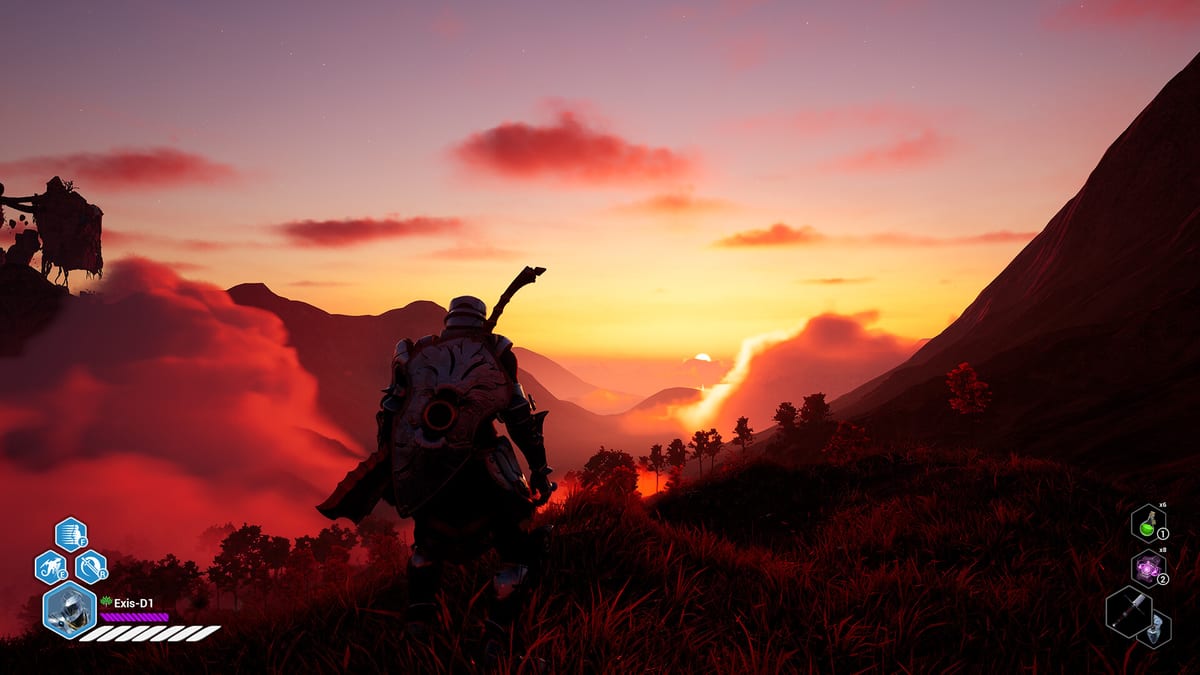
Three days after Early Access launch, Patch Notes #1 (November 13, 2025) added an Unstuck button to the Pause / Escape menu. Exis Games responded to softlock reports the only way that matters in an extraction game: give players a safe teleport when the world traps them. The button still matters in version 1.0 whenever cliffs, mission portals, or dragon landing volumes misbehave.
This guide covers when to use Unstuck, when not to, and how it interacts with loot, missions, and co-op. Context lives in Patch Notes Archive and Getting Started.
How to trigger Unstuck
- Open the Pause / Escape menu.
- Select Unstuck (label may shift slightly after the 1.0 UX redesign).
- Confirm if prompted.
- You teleport to a safe location — typically a nearby valid navmesh or hub-adjacent safety point depending on context.
If the button is missing, verify you are fully updated on Steam and not in a cinematic that blocks the pause menu.
When you should use it
Good Unstuck cases:
- Wedged in castle scaffolding or town building collision after placement.
- Fallen through terrain after a dragon crash.
- Softlocked in a mission volume that no longer progresses (after trying obvious objectives).
- Stuck after a world-state transition — Patch #2 fixed a major Arken Forest / Azarkeen break, but odd edges can still appear.
Bad Unstuck cases:
- Using it mid-fight as a free reposition to dodge a boss slam.
- Spamming it to skip traversal or Hand of Fate pressure.
- Expecting it to restore lost loot from a legitimate death — that is what Death and Loot Rules and better extracts are for.
Interaction with extraction and death
Unstuck is a softlock tool, not an extract. It will not bank your backpack the way a proper extract does — How to Extract. If you Unstuck out of a doomed fight, you may still be on the mission clock with Director pressure; stabilize, then extract intentionally.
Death already keeps equipped weapons, shield, and armor since Patch #1. Do not Unstuck-panic because you fear a full wipe that the game no longer applies to equipped gear.
Co-op considerations
Tell your fireteam before Unstuck so they do not waste cooldowns saving a teammate who is about to teleport. Voice defaults help — Fireteam Voice Chat. Hosts should note whether Unstuck behaves differently on dedicated sessions and report inconsistencies with Dedicated Server context.
Prevention habits
- Land dragons with clear ground — Flight Controls.
- Place town buildings with camera clearance — Town Buildings.
- After mission hops, wait for world streaming before sprinting into geometry.
- Keep Camera Settings readable so you notice clip edges early.
If Unstuck fails
- Relog once.
- Verify game file integrity on Steam.
- Note mission name, zone, and reproduction steps for Discord / Steam forums.
- As a last resort on solo, abandon the mission session knowing unequipped loot rules still apply.
Unstuck is the quiet QoL hero of Early Access. Use it when the world breaks, not when your nerve does — then get back to extracting with discipline.
Frequently Asked Questions
Quick answers tied to this page.
Where is the Unstuck button in Dragonhold?
In the Pause / Escape menu since Patch Notes #1 (November 13, 2025).
Does Unstuck count as an extract?
No. It teleports you to safety from a softlock. Bank loot with a real extract — How to Extract.
Can I use Unstuck to escape a boss?
You can press it, but it is intended for softlocks. Relying on it as a combat reset will train bad habits and may still leave you in danger.